Marquee component with & without text

Basically, the Marquee component includes the header and body text.

The text appears in a standard text box, which can be bright blue, dark blue, white, or transparent.

Mobile:

When the page is viewed on a mobile device (please open the page on mobile to see), this text box is automatically positioned below the image.

  • Header text random 

    Body copy text random
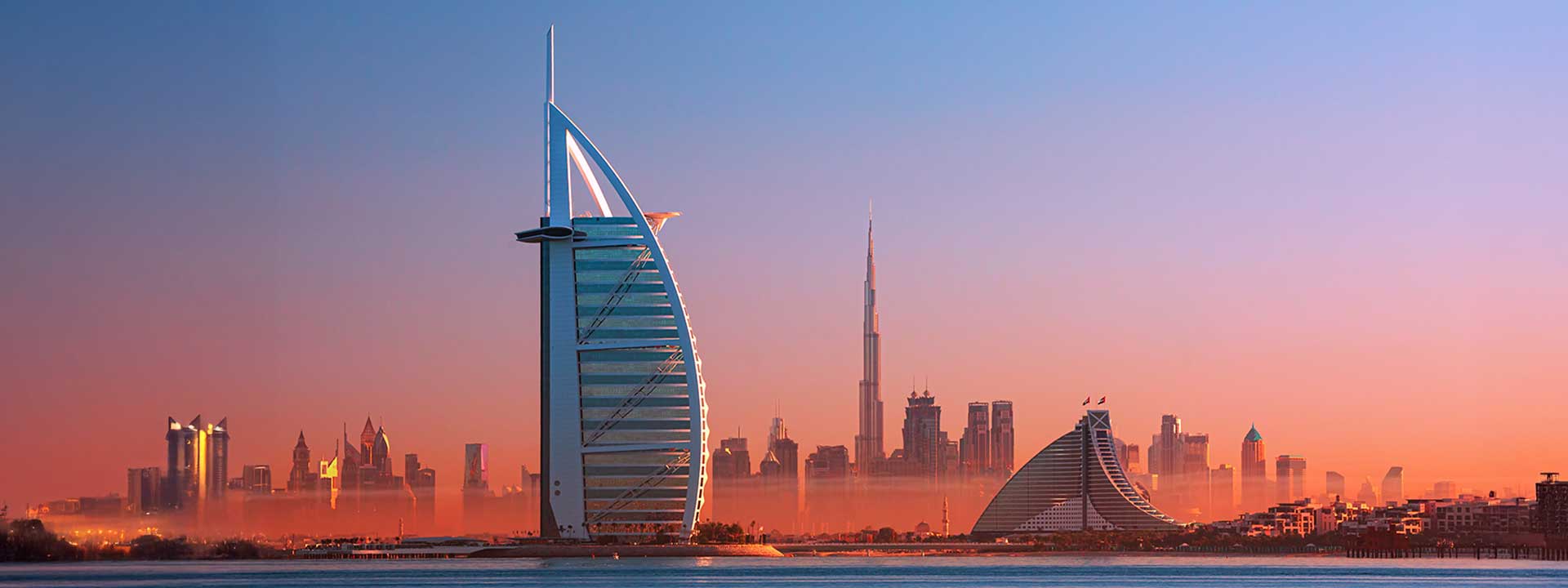
    Skyline of Dubai at dusk featuring the Burj Al Arab in the foreground and the Burj Khalifa in the hazy distance, against a gradient sky. Skyline of Dubai at dusk featuring the Burj Al Arab in the foreground and the Burj Khalifa in the hazy distance, against a gradient sky.
  • Header text random 

    Body copy text random
    Skyline of Dubai at dusk featuring the Burj Al Arab in the foreground and the Burj Khalifa in the hazy distance, against a gradient sky. Skyline of Dubai at dusk featuring the Burj Al Arab in the foreground and the Burj Khalifa in the hazy distance, against a gradient sky.
  • Header text random 

    Body copy text random

    Skyline of Dubai at dusk featuring the Burj Al Arab in the foreground and the Burj Khalifa in the hazy distance, against a gradient sky. Skyline of Dubai at dusk featuring the Burj Al Arab in the foreground and the Burj Khalifa in the hazy distance, against a gradient sky.

Options when the text is part of the banner image:

In such cases, we need to use the banner without a text box. However, this is not technically possible, so we add a blank space in the text field in the system.
The text box is then set to transparent.

Mobile:

When the page is viewed on a mobile device, the system still expects the text to be present and therefore reserves space for the text box below the image.

Depending on the initial text box color, this space may appear bright blue, dark blue, or white.

Please see all three options below and open the page on your mobile device to compare the difference.

  •  

    Skyline of Dubai at dusk featuring the Burj Al Arab in the foreground and the Burj Khalifa in the hazy distance, against a gradient sky. Skyline of Dubai at dusk featuring the Burj Al Arab in the foreground and the Burj Khalifa in the hazy distance, against a gradient sky.
  •  

    Skyline of Dubai at dusk featuring the Burj Al Arab in the foreground and the Burj Khalifa in the hazy distance, against a gradient sky. Skyline of Dubai at dusk featuring the Burj Al Arab in the foreground and the Burj Khalifa in the hazy distance, against a gradient sky.
  •  

    Skyline of Dubai at dusk featuring the Burj Al Arab in the foreground and the Burj Khalifa in the hazy distance, against a gradient sky. Skyline of Dubai at dusk featuring the Burj Al Arab in the foreground and the Burj Khalifa in the hazy distance, against a gradient sky.